It appears that your cart is currently empty


Specifications:
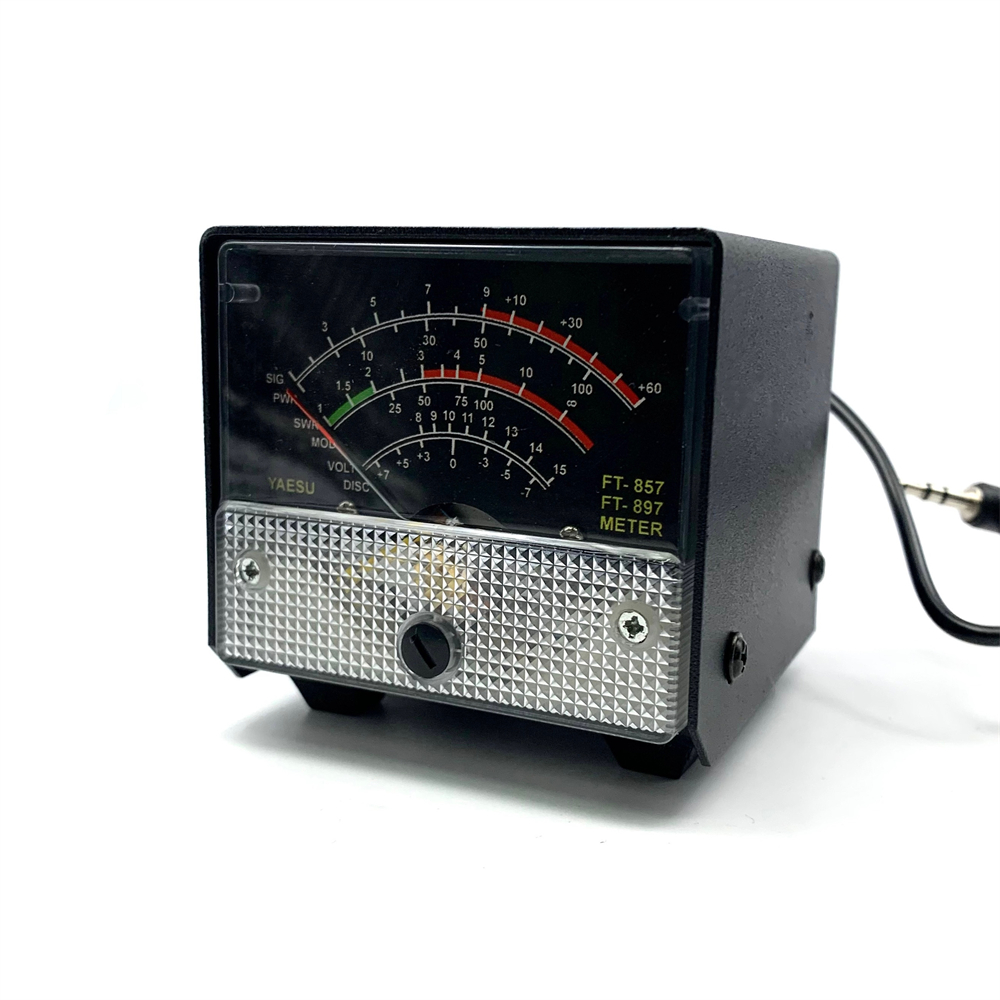
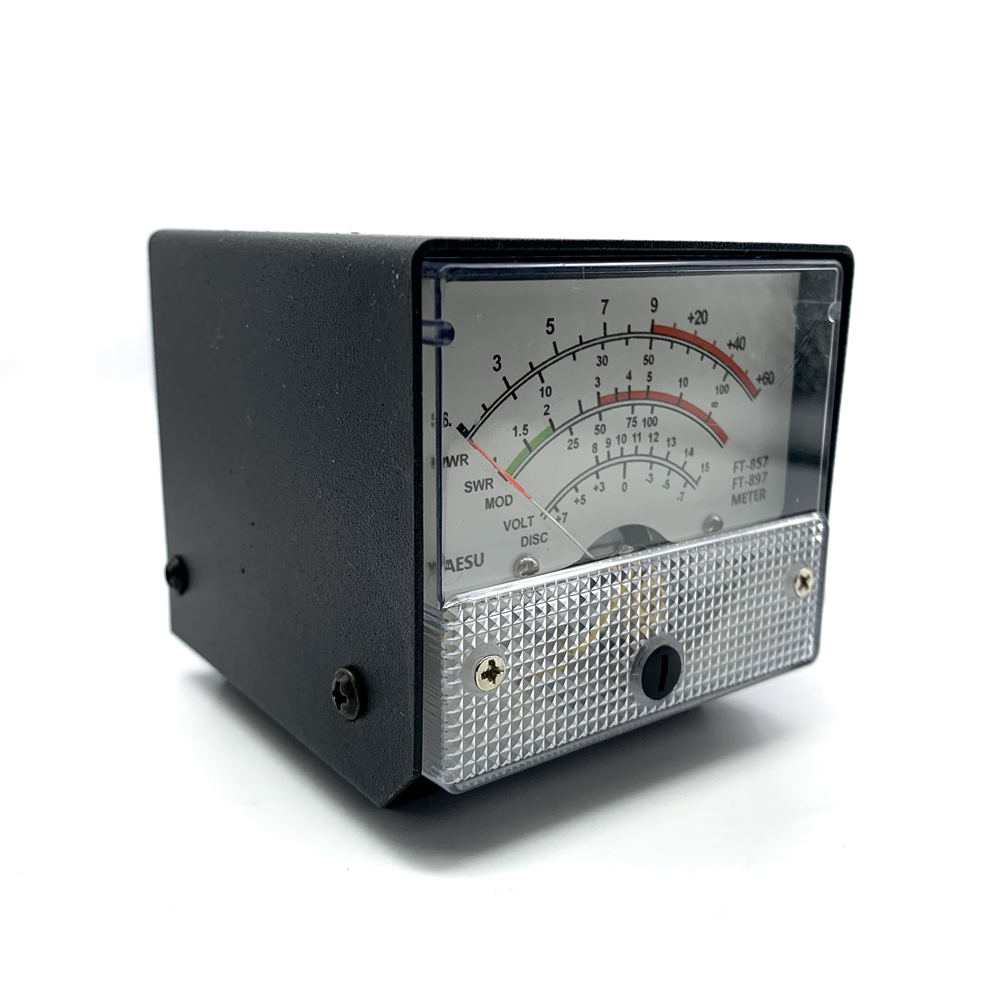
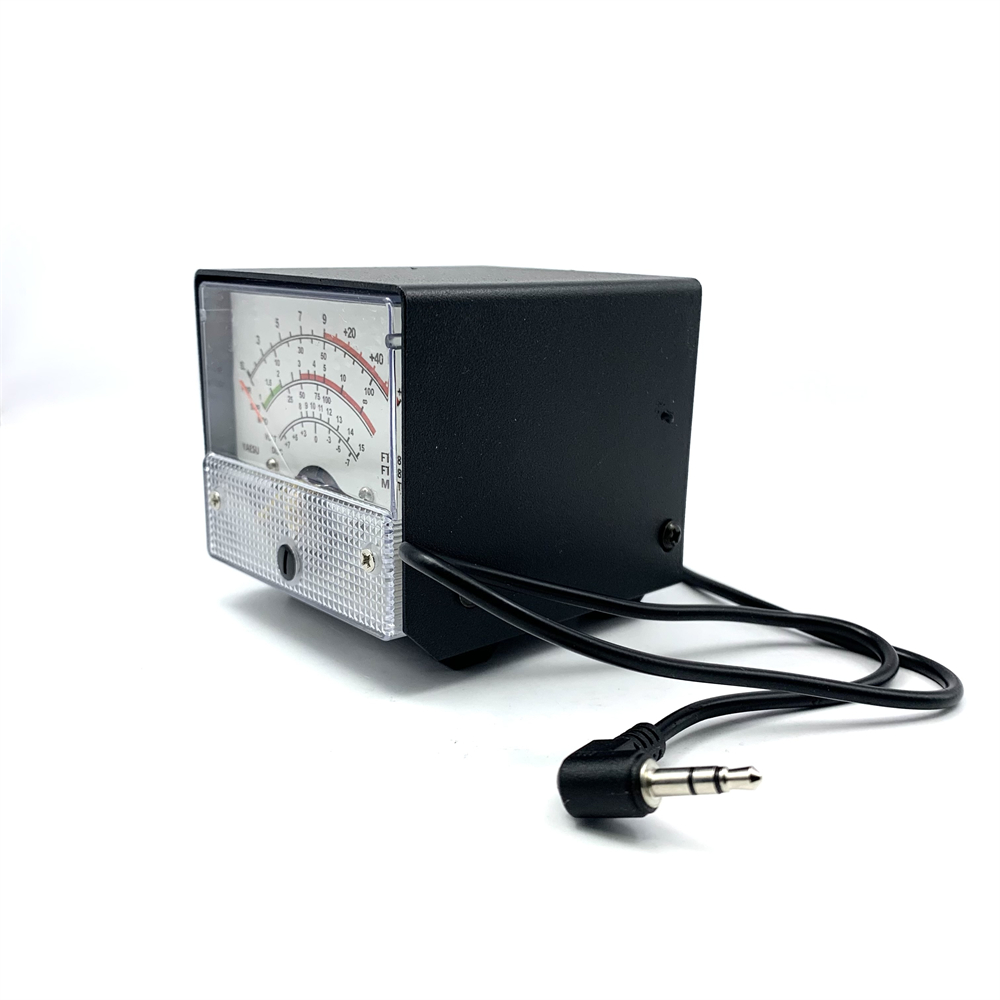
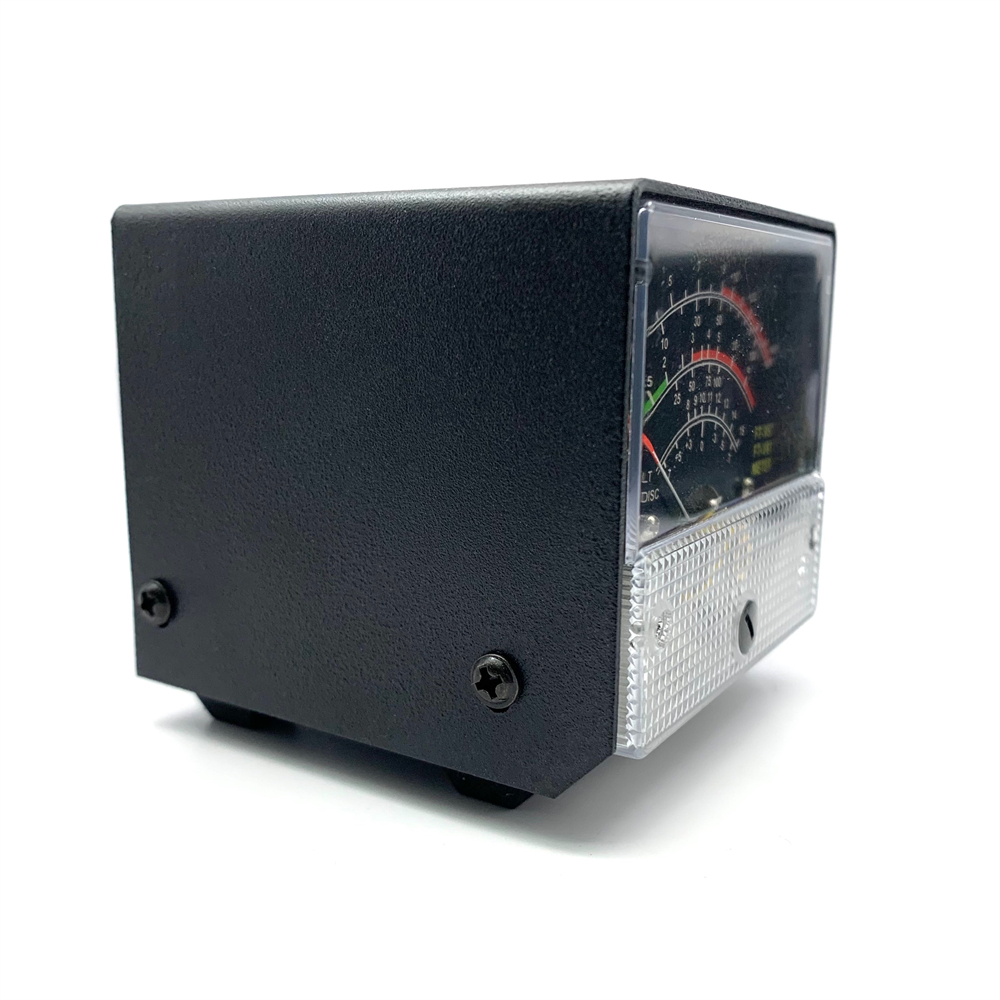
Material: Metal, Plastic
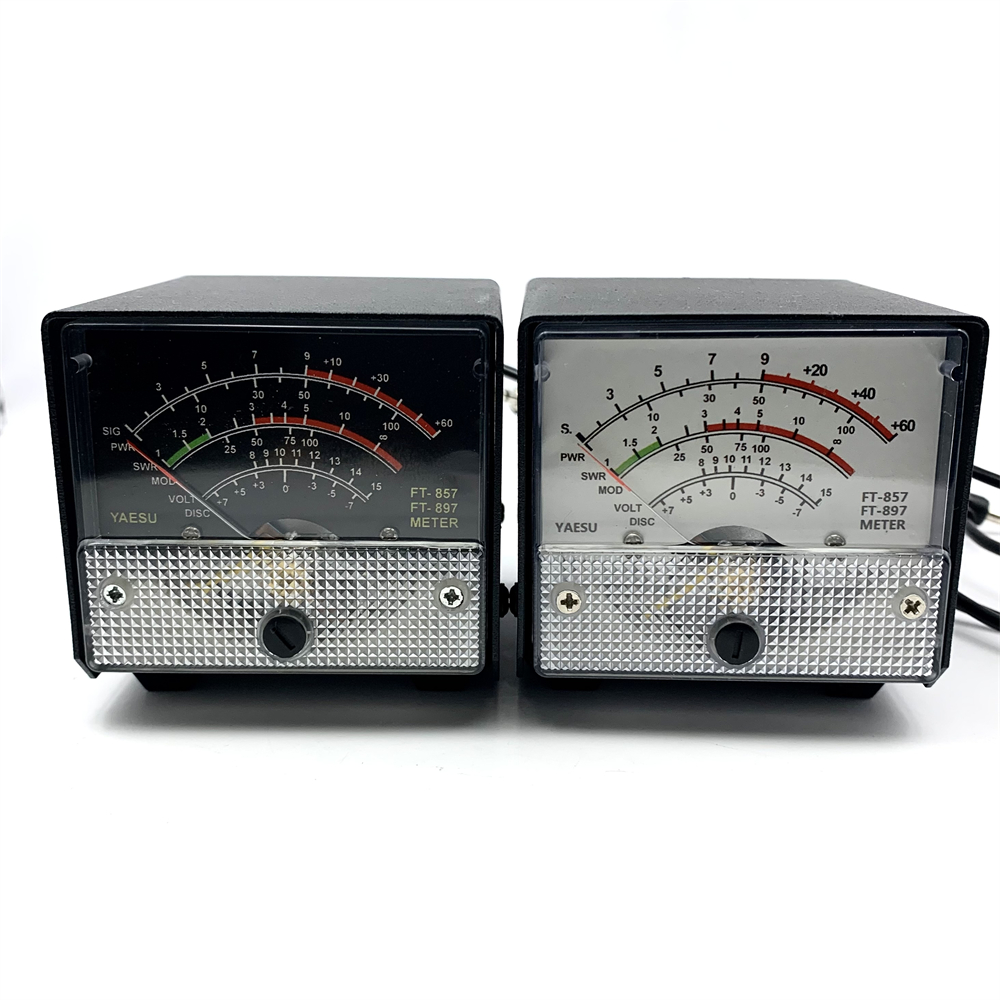
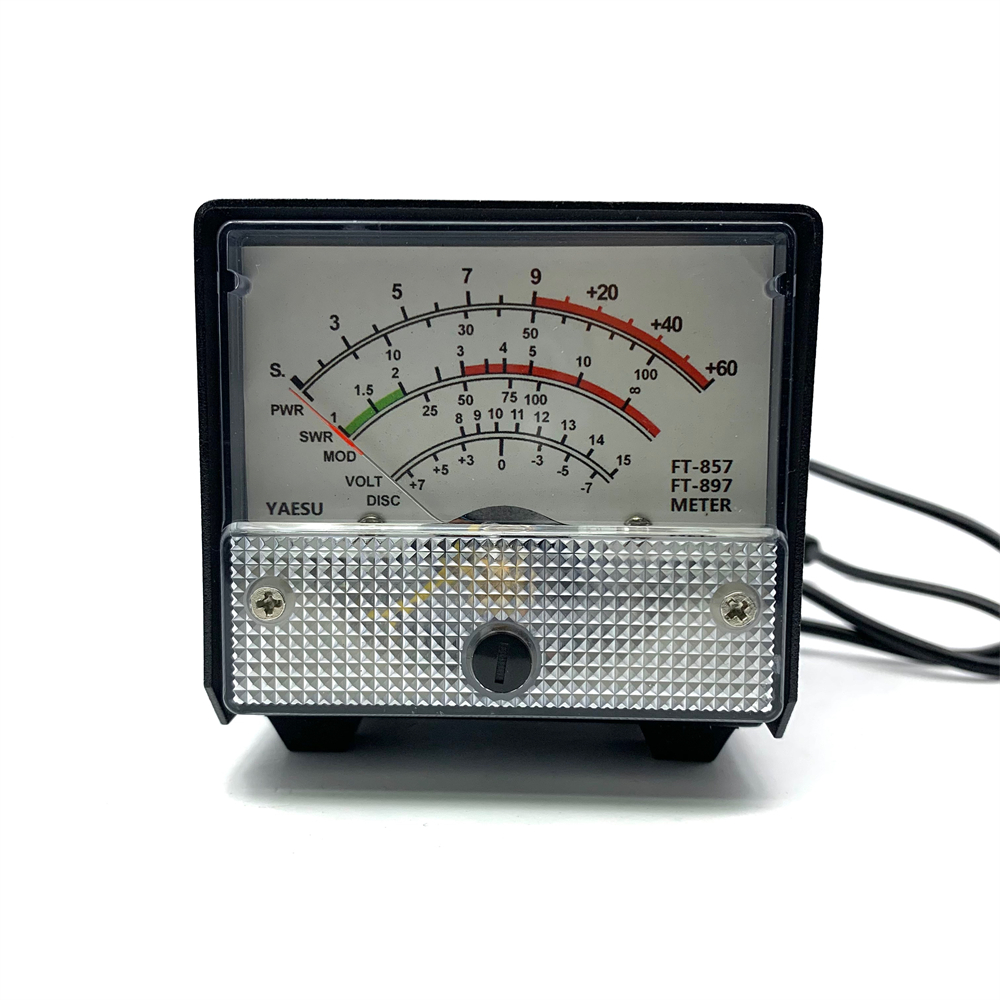
Color: White, Black
Size: Approximately 120 x 90 x 70 mm
Features:
1. Designed exclusively for use with FT-857 and FT-897 models, providing seamless integration and specific compatibility.
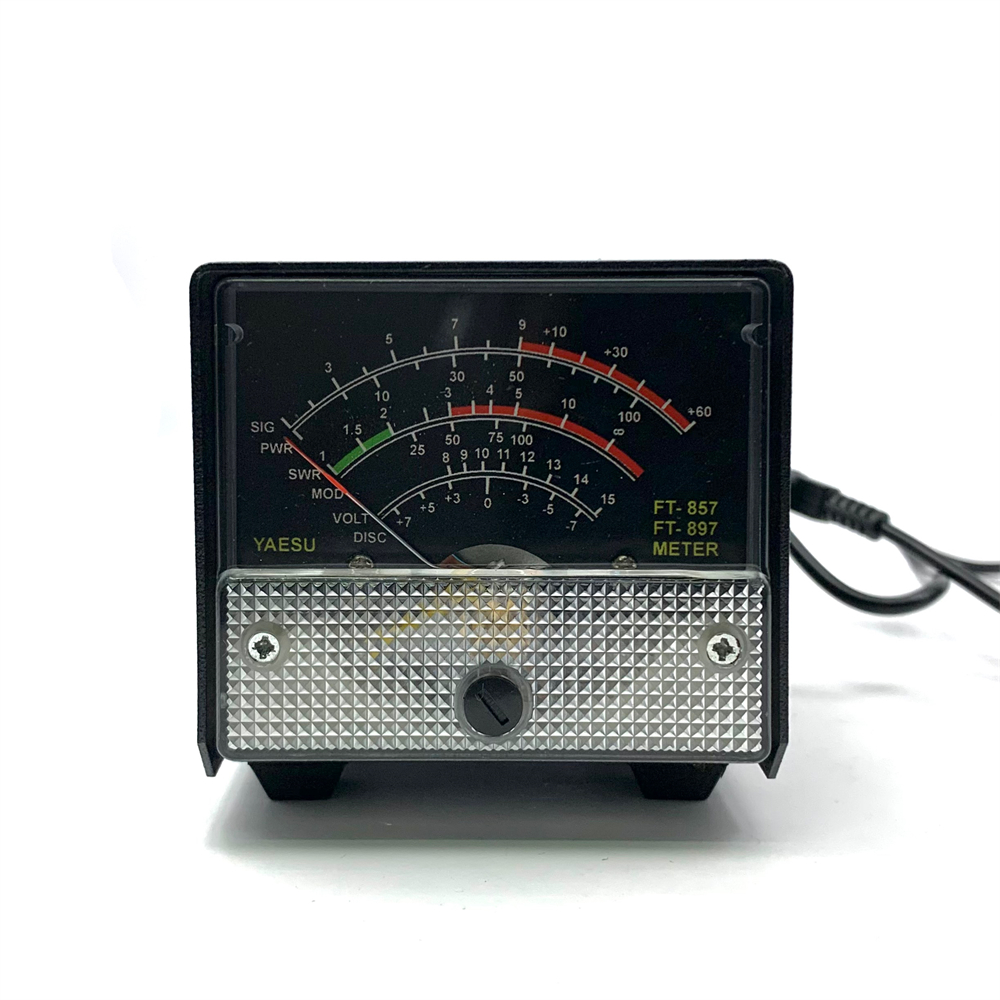
2. Offers clear and accurate digital display of automatic level control voltage, modulation level, SWR values, supply voltage, and input signal strength.
3. Equipped with adjustable calibration settings for precise meter readings and enhanced functionality.
4. Compact structure with high performance and stable output, ensuring consistent operational efficiency.
5. Simple and intuitive operation with extended menu customization options to tailor performance to user preferences.
Package Included:
1 x External S Meter SWR Power Meter
Receive Display Settings:
1. Press [FUNC] key to enter the setup menu, enable the extended menu.
2. Rotate [SELECT] to call up the setup menu item No-060 [MTR ARX SEL].
3. Rotate [DIAL] to select an external instrument display:
SIG: the input signal strength display
CTR: Discriminator Center Meter
VLT: battery voltage
N / A: blank
FS: buckle in the instrument 1mA full scale output signal calibration standard external instruments
OFF:Turn off the meter.
4. Press [FUNC] button to save the settings and exit the setup menu.
Emission Display Settings:
1. Press [FUNC] key to enter the setup menu, enable the extended menu.
2. Rotate [SELECT] to call up the setup menu item No-061 [MTR ATX SEL].
3. Rotate [DIAL] to select an external instrument display:
PWR: transmit power display
ALC: Automatic Level Control voltage display
MOD: Modulation Level Display
SWR: SWR display
VLT: Display Supply Voltage
N / A: blank
OFF: Turn off the meter.
Calibration method is as follows:
1. Press [FUNC] key to enter the setup menu, enable the extended menu.
2. Rotate [SELECT] to call up the setup menu item No-060 [MTR ARX SEL].
3. Rotate [DIAL] to select FS.
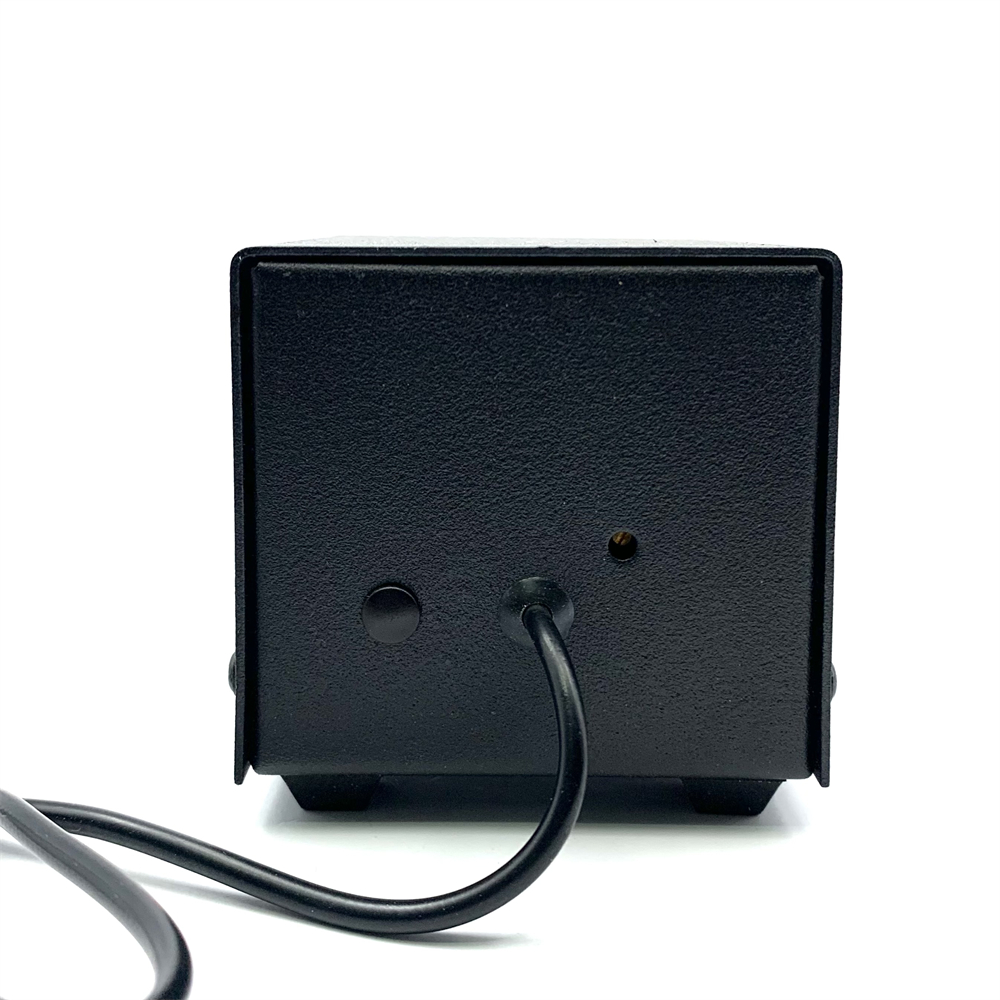
4. With a small flathead screwdriver to adjust the calibration adjustment hole rear, so the header pointer to full scale.
5. The calibration is complete!
Note:
1. If you can not find the numbers 60, 61 menu, is this two radio hide menu. Long press the F key to open the menu settings,
the 1st menu set to ON, press the F key to open the exit to save the hide menu.
2. Due to the light and screen difference, the item's color may be slightly different from the pictures.
3. Please allow 0.5-2 cm differences due to manual measurement.