It appears that your cart is currently empty


Specifications:
| Low | High | Turbo | Strobe/ SOS/Beacon | ||
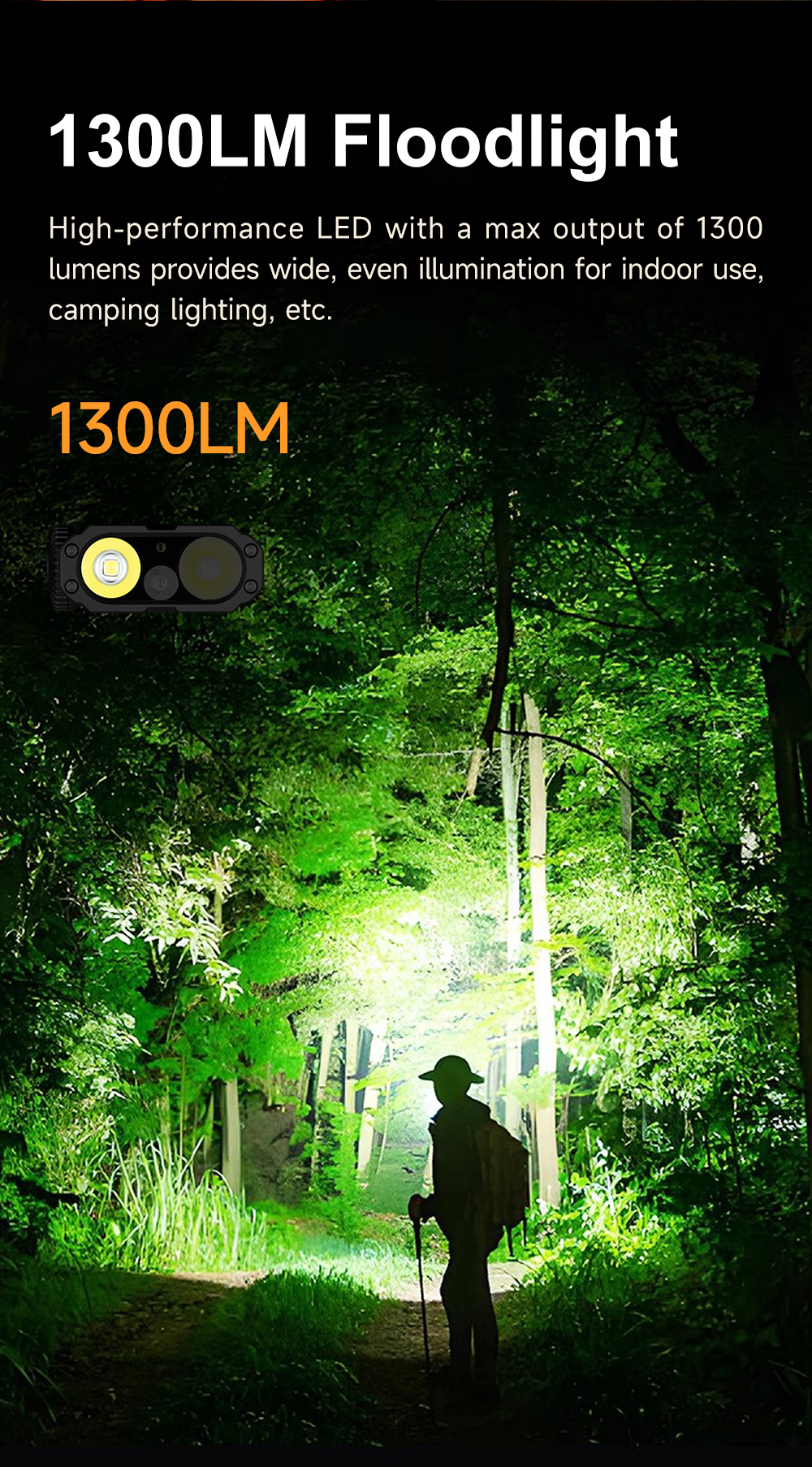
| Output | Flood Light | 10LM | 360LM | 1300-360LM | 400LM |
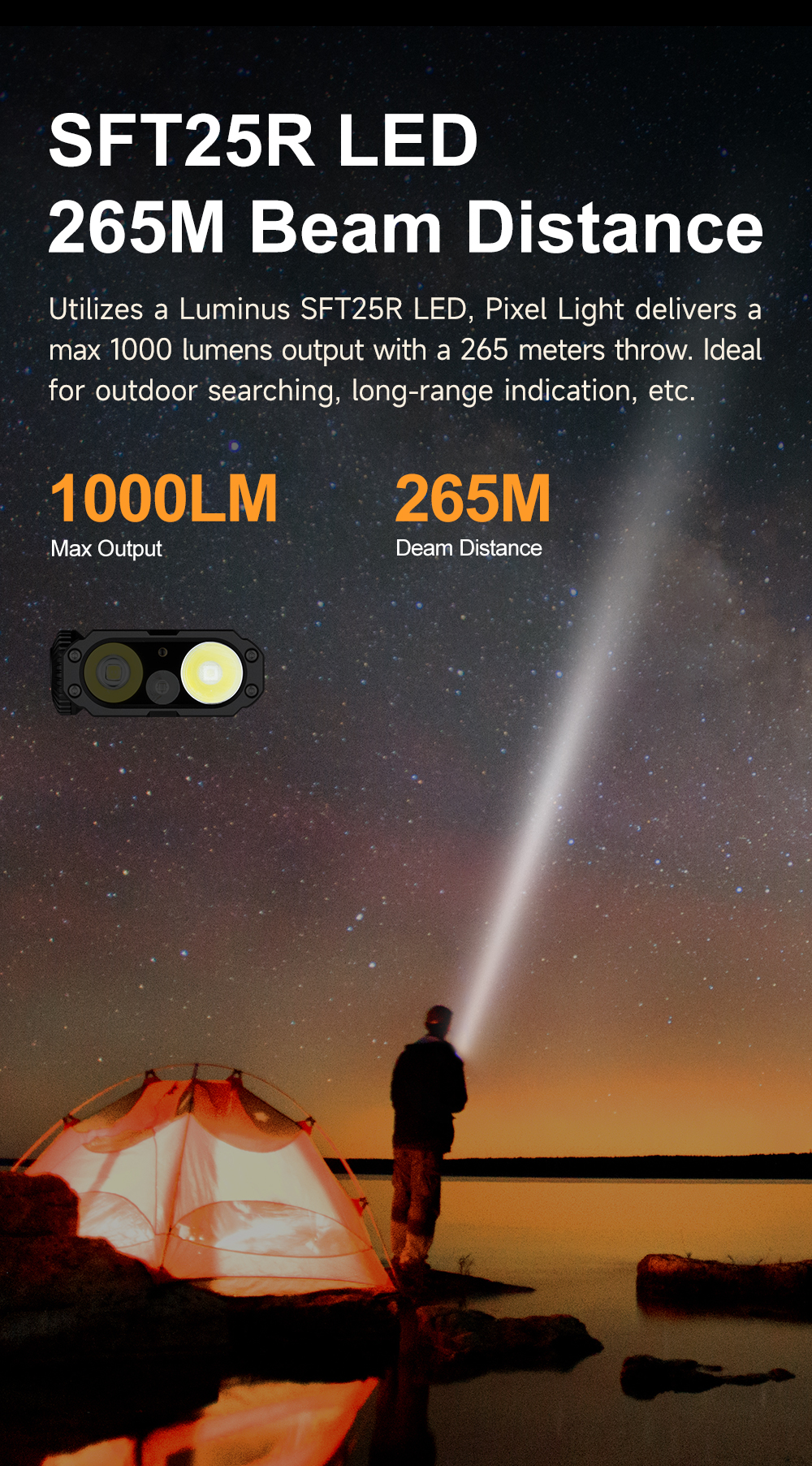
| Spot Light | 10LM | 300LM | 1000-300LM | 360LM | |
| Runtime | Flood Light | 40H | 3H 20Min | 1Min+ 3H 15Min | / |
| Spot Light | 40H | 3H 20Min | 1Min+ 3H 15Min | / | |
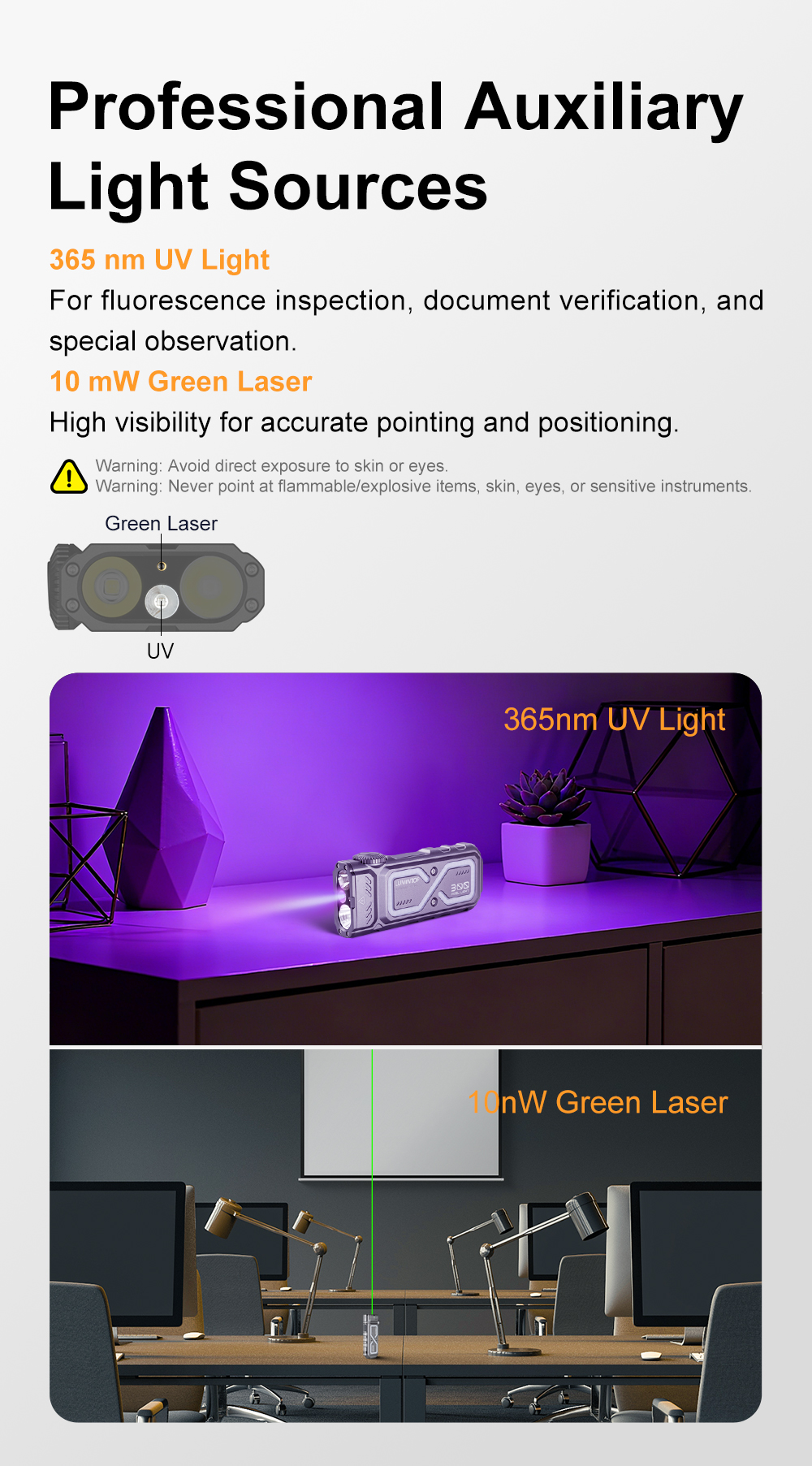
| RGB Light | RGB Hourglass | Green LEP | UV | |
| Output | / | / | 10mW/520nm | 365nm |
| Runtime | 6H | 9H | 12H | 9H |
| Intensity | 17500cd(Max) | |||
| Distance | 265m(Max) | |||
| Impact Resistant | 1m | |||
| Waterproof | IPX6 | |||
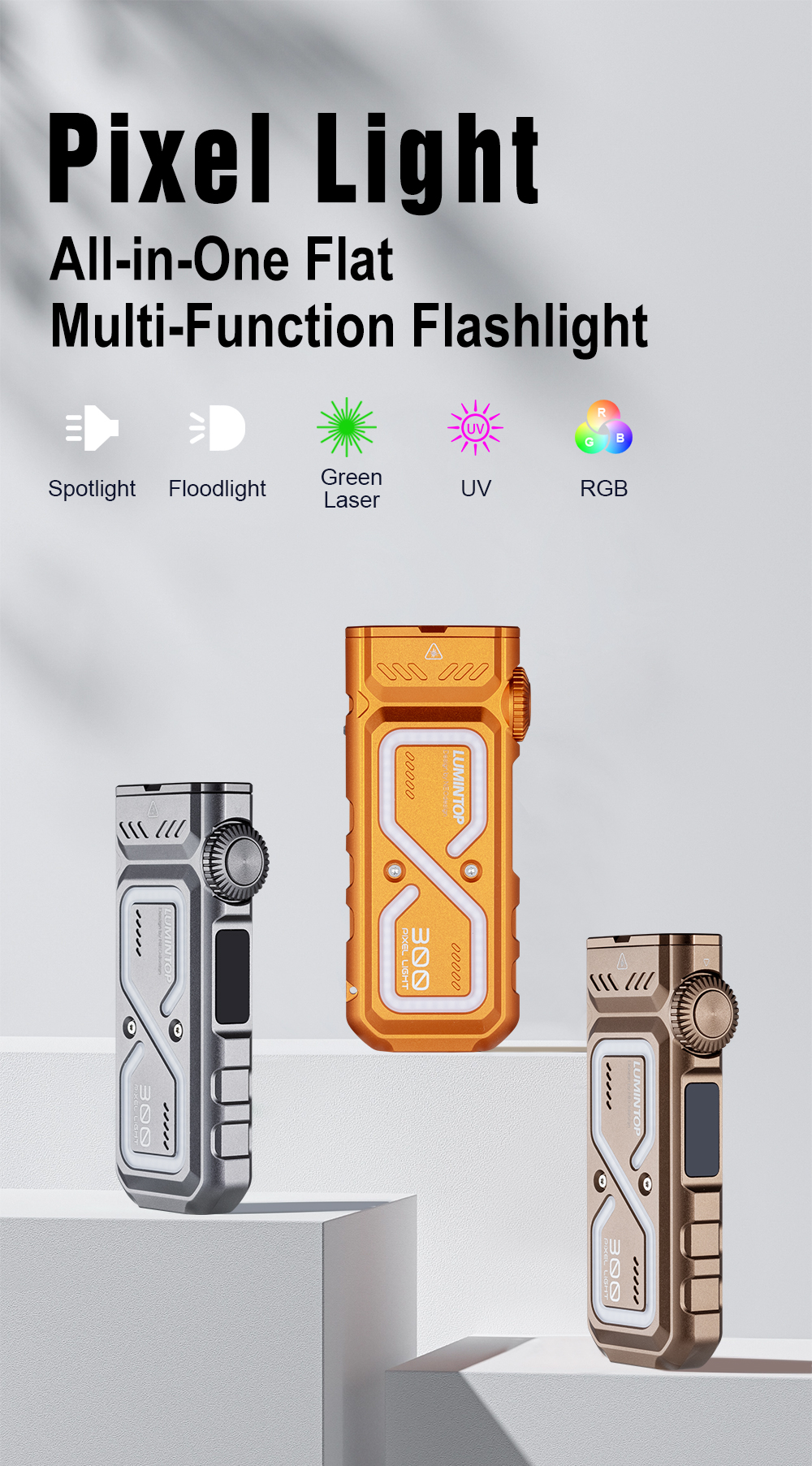
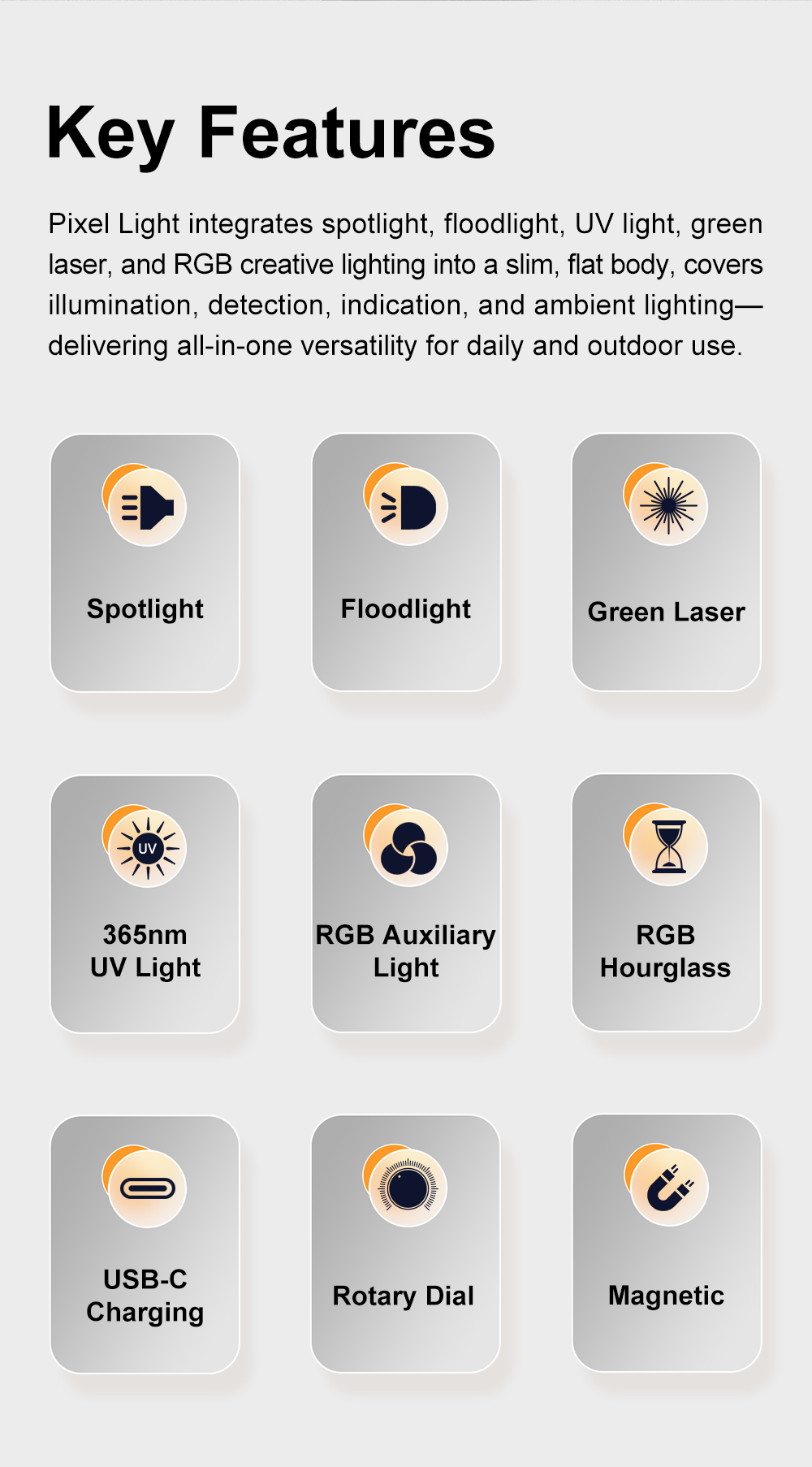
| Light Source | Luminus SFT25R LED (Spot Light), High Performance LED (Flood Light), UV, Green LEP Pointer,RGB | |||
| Power | 12W (Max) | |||
| Battery | Built-in Li-pollymer Li-ion | |||
| Size | 20x50x112mm | |||
| Net Weight | Approx.158g | |||
Operating Instructions & Features:
1. Spotlight & Floodlight
1) While the flashlight is off, single dick the switch to turn on Spotlight(mode memory enabled, Turbo excluded).2) Rotate the rotary dial to adjust outputs.3) Rotate the rotary dial to adjust outputs.4) Triple dick to enter Strobe; triple click again to cydle through SOS →Beacon → Strobe.5) Single click to turn off.Note: Turbo is unavailable when the battery is low. Please rechargein time.
2. Green LEP Pointer & UV Light1) While off, press and hold the switch to tur on the Green LEP Pointer.2) press and hold again to activate the UV light.3) Whille the green LEP Pointer is on, rotate the rotary dial to activate Spotlight simultaneously.4) Single dlick to turn off.
3.RGB Light & Starry Flash1) While off, double click to enter RGB Light.2) Rotate the rotary dial to switch modes:.Coor Light (press and hold to change color)
.Coor Flash (press and hold to change coor).Rainbow.Fast Bounce (press and hold to adjust speed).Continuous Dots (press and hold to change collor)*Auto Color Continuous Dots·Snake (press and hold to change color).Meteor (press and hold to adjust speed)3) Triple click to enter Red & Blue Flash; rotate the rotary dial toactivate Spotlight.4) While in RGB Light, double click to enter Starry Flash.Rotate the rotary dial to switch modes:Starry Flash → Dice(point)→Rock-Paper-Clippers 1(guese 1)→Rock-Paper-Clippers 2 (guese 2).Single cllick to turn off.
4. RGB HourglassWhille off, triple dick to enter RGB Hourglass.Rotate the rotary dial to set the timer; press and hold to change color.Timing starts via gravity sensing.
5.Dice (point) / Rock-Paper-Scissor (guese) 1 & 2Shake to activate.Press and hold to change color (Dice mode excluded).Single click to turn off.
6.Silent ModeWhile on, quadruple click to enable or disable sound.
7. Lock FunctionWhile off, quadruple click to lock or unlock the flashlight.Display ScreenThe smart display shows real-time information, including:Currentmode, Output level, Battery status, Charging status, Timer information.
Charging Instructions
Charge the flashlight via the built-in USB-C port. The display battery bars flash while charging and stay solid when fully charged. Full charging time is approximately 3 hours.
Multi-Protection
1. Thermal Protection: Automaticaly reduces output when the body temperature is too high.
2.Overcharge Protection: Automatically cuts off input current when fully charged
3. Over-discharge Protection: Automatically shuts down when voltage drops critically low to prevent battery damage
Package Include:
1x Pixel Light
1x Charging Cable
1x Manual
1x Package Box