
It appears that your cart is currently empty


Specifications:
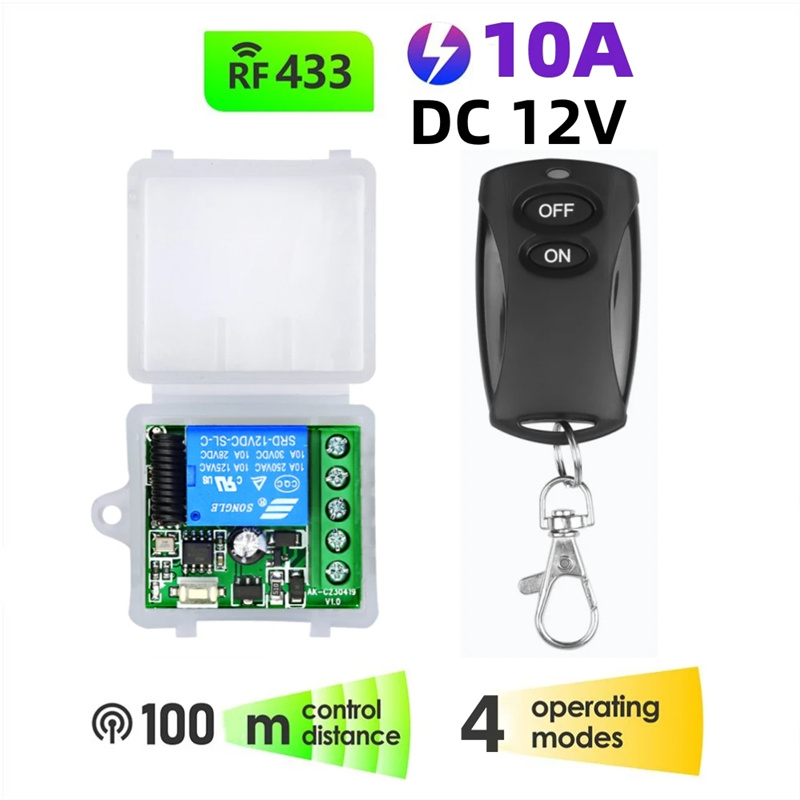
Input Voltage: 12V, RF working mode: Superheterodyne
Receiver sensitivity: > 97 dbm
Transmitting distance:> 100 m ( open space)
Decoding mode: MCU software decoding
Remote storage: 20
Support remote type: EV1527 learning code
Working mode: Momentary, toggle, latching time delay (5s ,10s ,15s )
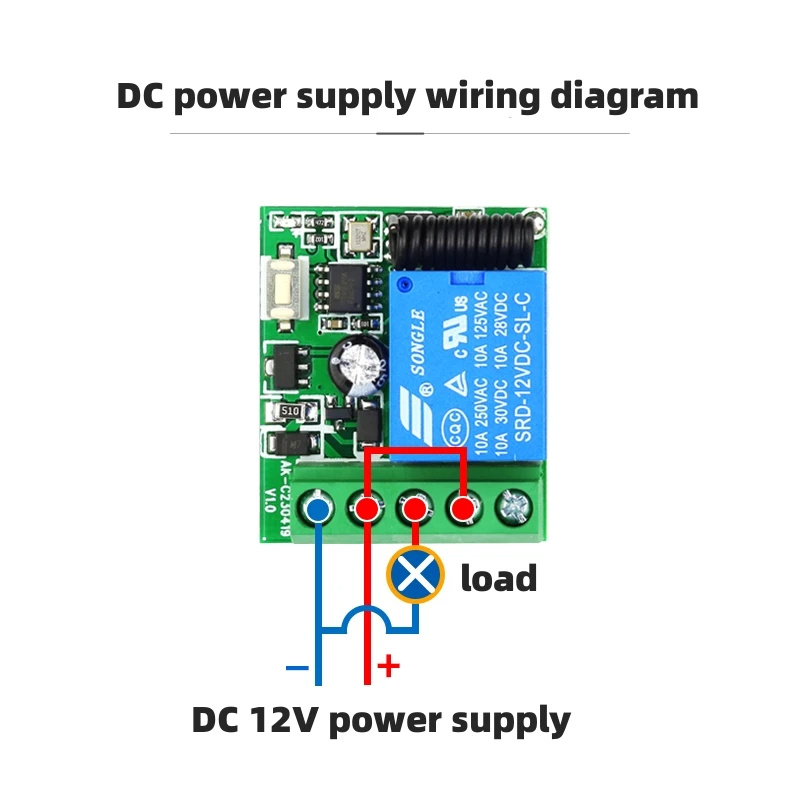
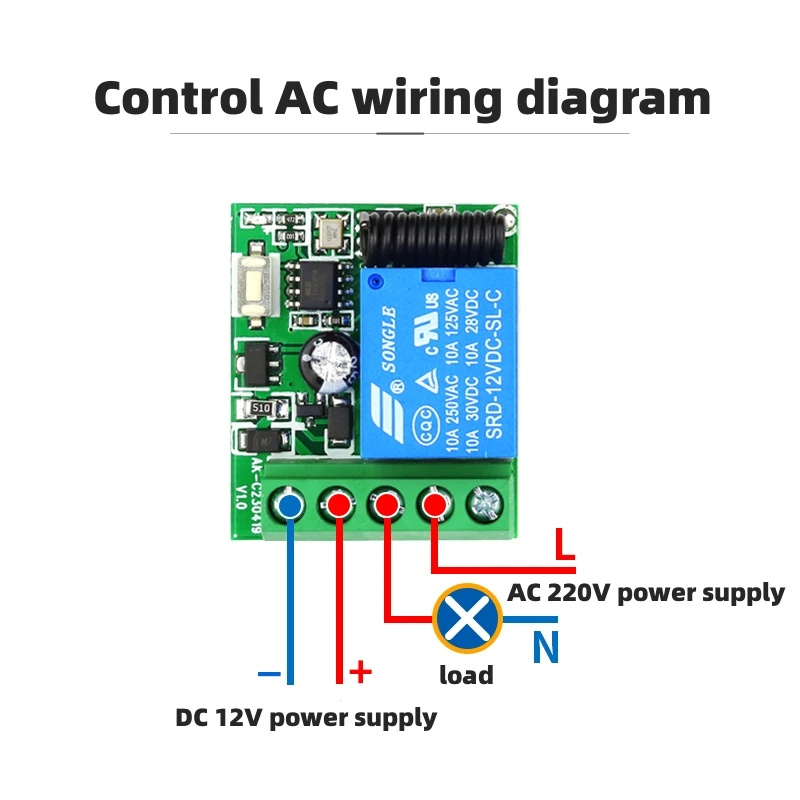
Output terminal: NO , NC , COM
Remote control battery: 2 x 3 V CR2016 button batteries
Note: Maximum input power is 250 V
Package Include:
optional
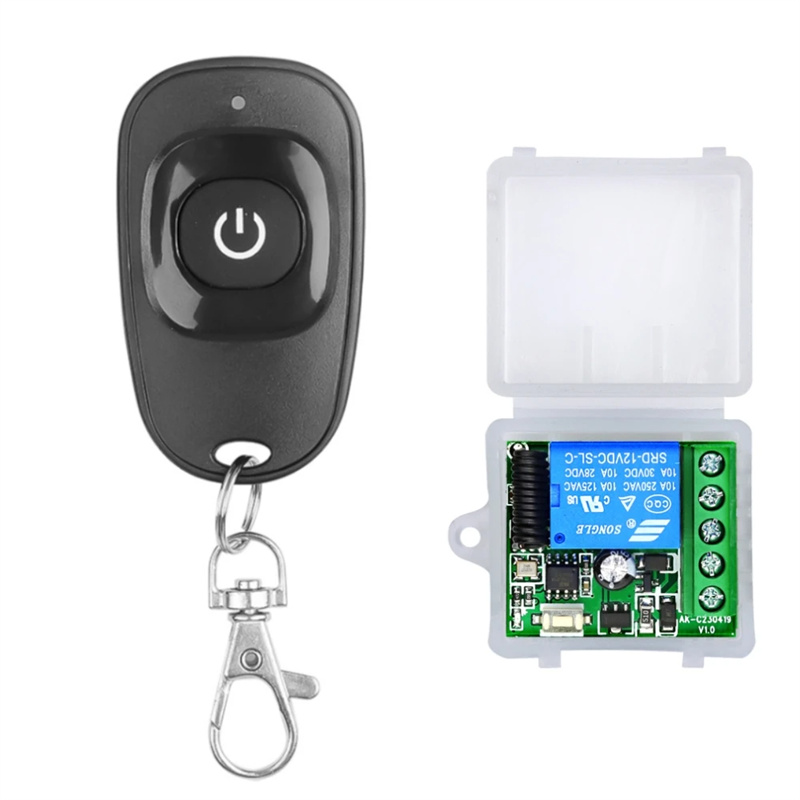
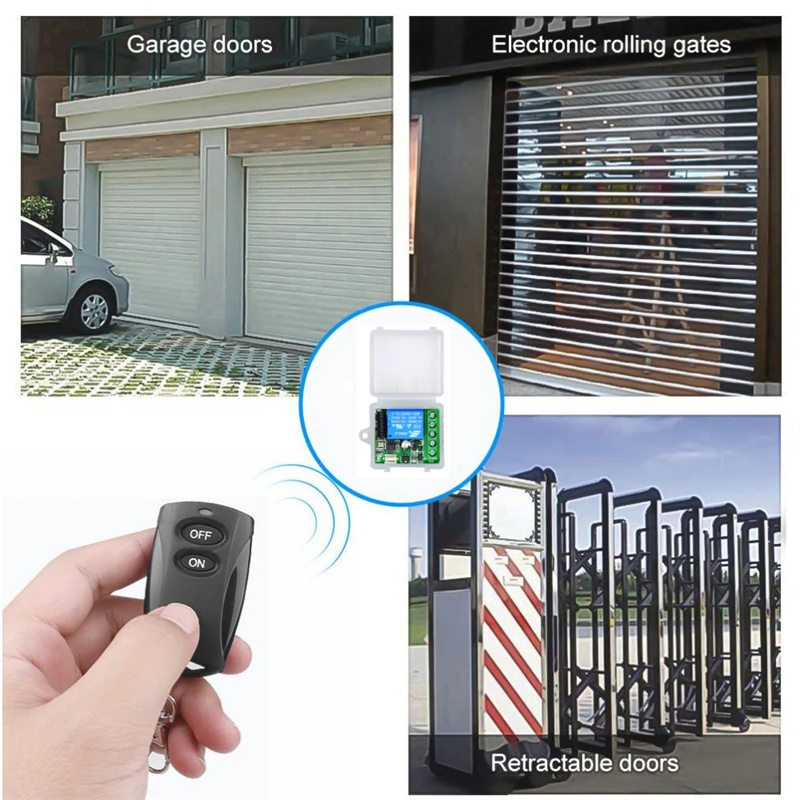
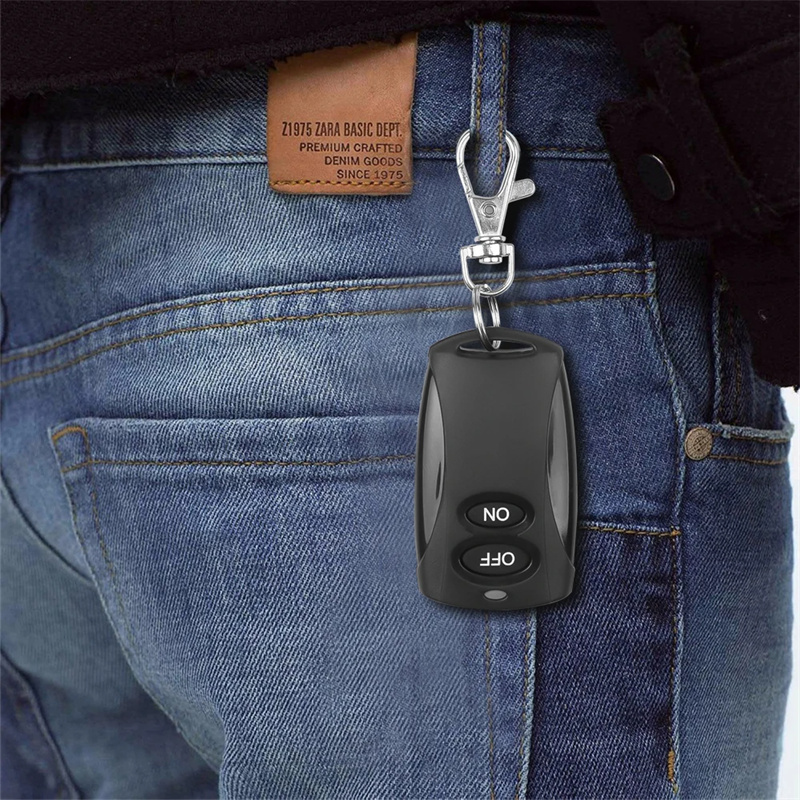
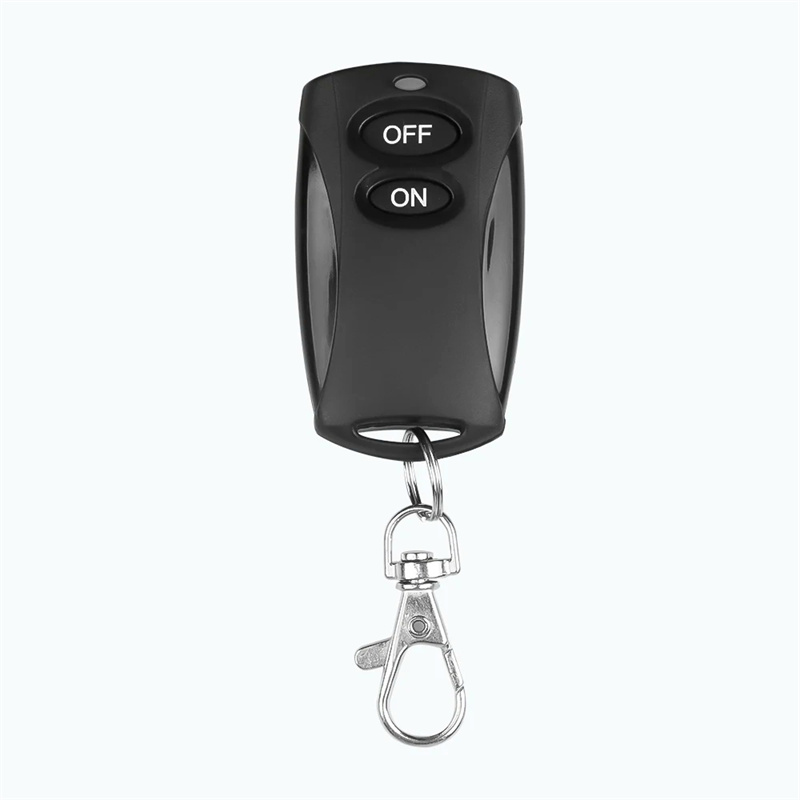
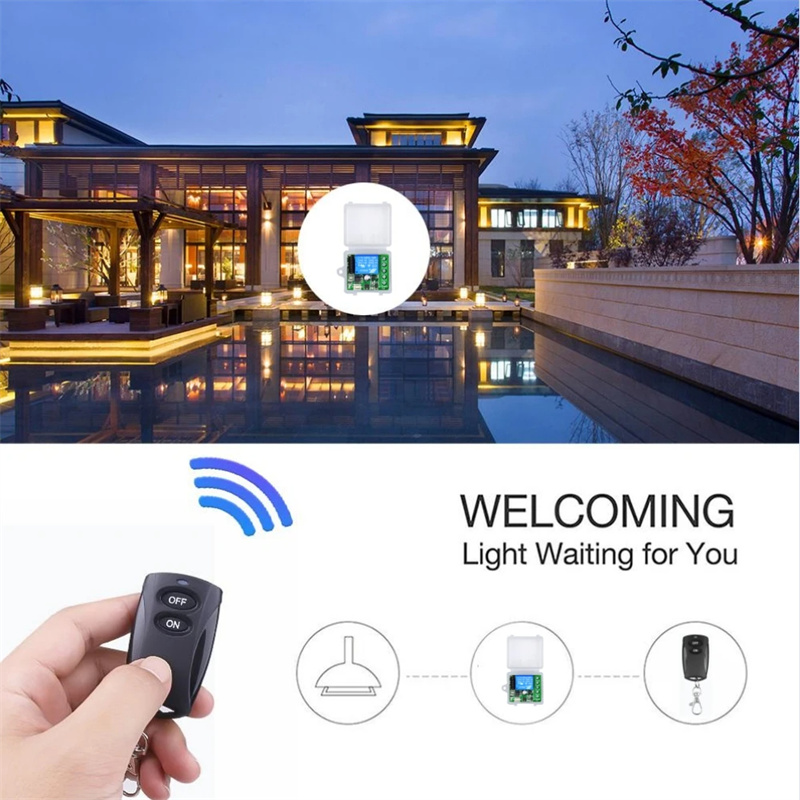
Type1: 1 Remote(1 Button)+1 ReceiverType2: 1 Remote(2 Button)+1 ReceiverType3: Only 1 ReceiverType4: 1 Button Remote onlyType5: 2 Button Remote only
(Please pay attention to the product type before purchasing. Different types include different products and have different prices.)
Operating Function Description
(1) Code learning operation
Inching learning code: After the controller is connected to the power, briefly press the learning code button (the light flashes once), and then long press the remote control button for 3 seconds. The controller indicator light flashes to indicate successful learning code, and the working mode is inching mode.
Self locking code learning: After the controller is connected to the power, briefly press the code learning button twice (once the light flashes), and then long press the remote control button for 3 seconds. The controller indicator light flashes to indicate successful code learning, and the working mode is automatic mode.
Interlockingcode learning: After the controller is connected to the power, briefly press the code learning button three times (press once to flash the light once), and then long press and hold one button on the remote control for 3 seconds (such as key A). The controller indicator light flashes and remains on, and then press another button on the remote control (such as key B). The controller indicator light flashes to indicate successful code learning, and the working mode is interlockingmode (such as ABinterlocking).
Delay for 5 seconds to learn code: After the controller is connected to the power, briefly press the learn code button four times (once the light flashes), and then long press the remote control button for 3 seconds. The controller indicator light flashes to indicate successful code learning, and the working mode is automatic shutdown mode with a delay of 5 seconds.
Delay of 10 seconds for learning code: After the controller is connected to the power, briefly press the learn code button five times (once the light flashes), and then long press the remote control button for 3 seconds. The controller indicator light flashes to indicate successful learning code, and the working mode is automatic shutdown mode with a delay of 10 seconds.
Delay for 15 seconds to learn code: After the controller is connected to the power, briefly press the learn code button six times (once the light flashes), and then long press the remote control button for 3 seconds. The controller indicator light flashes to indicate successful code learning, and the working mode is automatic shutdown mode with a delay of 15 seconds.
Delayed code learning by 20 seconds: After the controller is connected to the power, briefly press the code learning button seven times (once the light flashes), and then long press the remote control button for 3 seconds. The controller indicator light flashes to indicate successful code learning, and the working mode is automatic shutdown mode with a delay of 20 seconds.
(2) Clear code operation
Press and hold the learn code button on the controller for 5 seconds until the indicator light flashes, indicating successful code clearing.
(3) Clear code operation
Jog mode: After learning the code for a single button on the remote control, press the button relay to engage, and release the button relay to disconnect.
Self locking mode: After learning the code for a single button on the remote control, press the button relay once to engage and then press the button relay again to disconnect.
Interlock mode: After learning the codes for the two buttons on the remote control, press the A key to activate the relay, and press the B key to deactivate the relay.
Delay mode: After learning the code for a single button on the remote control, press the button relay to engage, and after the delay, it will automatically disconnect.

Related product

HappyFish.co.za
Chameleon 3.0 Smart Card Emulato...
Features:1. Supports multiple NFC/RFID functions, in...
R 1,239.54 R 819.69
Features:1. Supports multiple NFC/RFID functions, including MIFARE Classic, Ultralight, DESFire, Plus, NTAG 21x, EM410x, and T5577 card types.2. Simultaneously emulates up to 16...

HappyFish.co.za
WZ3605E CNC DC Buck-Boost Conver...
Feature:>>>Manual: Click here to open<&l...
R 1,277.63 R 975.10
Feature:>>>Manual: Click here to open<<< Model WZ3605E Input voltage 6.0~36.00V Output voltage 0.60~36.00V Output current 0~5.000A Output po...

HappyFish.co.za
CANable USB to CAN Converter Mod...
Specifications:Model: CANABLE_PRInput Voltage: 5V DC...
R 494.70
Specifications:Model: CANABLE_PRInput Voltage: 5V DCColor: Blue & TransparentMaterial: PCB+ Plastic+MetalWeight:15gSize:75.5*24*18.5Features:1. USB to can module is transpla...

HappyFish.co.za
ESP32-S3 A7670E 4G Development B...
Specification:Model: ESP32-S3 A7670EDimensions: 125m...
R 2,325.64 R 1,929.70
Specification:Model: ESP32-S3 A7670EDimensions: 125mm x 34mm x 31.6mm (Acrylic Case), 110mm x 58.76mm (PCB Board).Processor: ESP32-S3 with Xtensa® 32-bit LX7 dual-core processor...

HappyFish.co.za
WZ5020L DC-DC 50V 20A 1000W Buck...
>>>Manual: Click here to open<<<No...
R 885.64 R 729.70
>>>Manual: Click here to open<<<Note:This product is a step-down module and cannot be boosted! The input voltage is 55V, and the output voltage can be adjusted...

HappyFish.co.za
ESP32-Aduio-Kit ESP32-A1S ESP32 ...
Specifications:Product Name: ESP32-Audio-KitDevelope...
R 865.00 R 657.69
Specifications:Product Name: ESP32-Audio-KitDeveloped by: Ai-ThinkerModule: ESP32-A1SAudio Codec Chip: ES8388Audio Peripherals: TF card, headphone output, two microphone inputs,...